Pixel art assets for Unity and Godot
Characters, items, animation sheets, seamless tiles and backgrounds as clean PNGs — plus the exact import settings to keep every pixel sharp.
Engine-ready assets made with pixler.dev
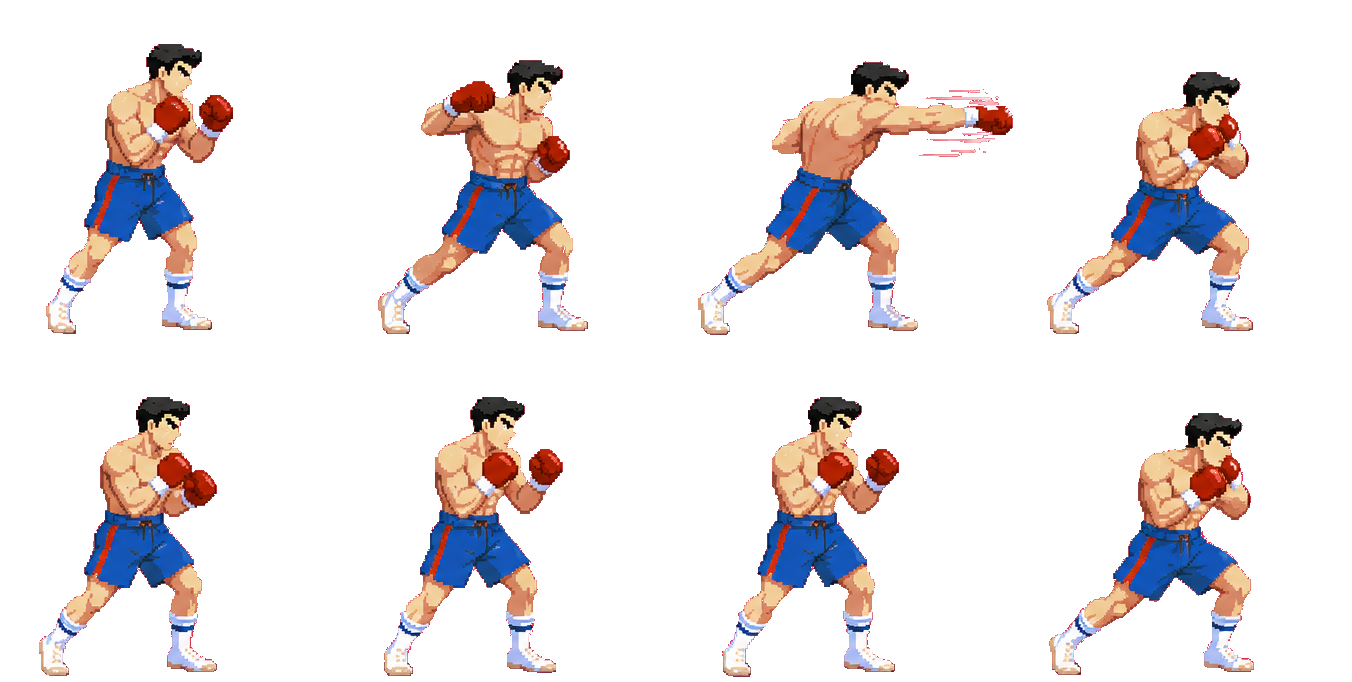
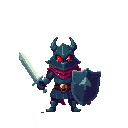

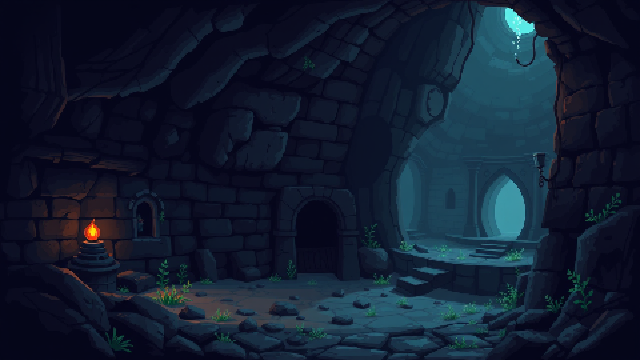

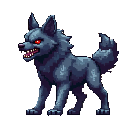
pixler.dev makes pixel art that is meant to go straight into an engine. Sprites and items come out as transparent PNGs at real game sizes (16–256 px), animations as single-row sprite sheets of evenly spaced frames, tiles as seamless textures, and backgrounds at 1280×720, 1920×1080 or portrait sizes for mobile. Below are the import settings for Unity and Godot 4. If you build in Cursor, Claude Code or Codex, connect Pixler's MCP server and your agent can generate the assets and save them into the project's folders directly.
Unity: sprites
Drag the PNG into Assets. In the Inspector set Texture Type to Sprite (2D and UI), Filter Mode to Point (no filter) and Compression to None, then set Pixels Per Unit to match your world scale.
Unity: sprite sheets
Set Sprite Mode to Multiple, open the Sprite Editor and choose Slice → Grid By Cell Count with columns equal to the frame count and one row. Select the frames and drag them into the scene to create an Animation clip.
Godot 4: sprites
Drop the PNG into the FileSystem dock, open the Import tab and pick the 2D Pixel preset, or set Filter to Nearest with mipmaps off, then Reimport. Characters and items already have a transparent background.
Godot 4: sprite sheets and tiles
For an animation, use an AnimatedSprite2D and add frames from the sheet with horizontal frames equal to the frame count. For terrain, add seamless tiles to a TileSet at their native size and paint them on a TileMapLayer.
Frequently asked questions
What does Pixler export?
PNG files: transparent sprites and items, single-row sprite sheets of 2–16 frames, seamless tiles, and full-frame backgrounds. There is no engine-specific package yet; PNGs import into Unity and Godot as shown above.
Why do my sprites look blurry in the engine?
Texture filtering is on. Use Point (no filter) in Unity or Nearest in Godot, turn off mipmaps and compression for small sprites, and scale the camera by whole numbers.
How do I slice a Pixler sprite sheet?
Every sheet is one row of equally sized frames. Divide the sheet width by the frame count to get the frame width, or use slice-by-cell-count with that many columns and one row.
Does it make tiles for a TileMap?
Yes — the Tiles category makes seamless textures for terrain, floors and walls at 16–256 px that repeat cleanly on a Unity Tilemap or a Godot TileMapLayer.
Can my agent put the assets straight into my project?
Yes. Connect Pixler's MCP server to Cursor, Claude Code, Codex or another supported client and ask for the asset; the agent generates it, waits for the job and saves the PNG into the folder you name.
Does it also work with GameMaker, Phaser and others?
Yes. The PNGs work in GameMaker, Phaser, LÖVE, Construct, Defold and RPG Maker with the same rule: nearest-neighbor filtering and slicing by frame count.
Ready to make some pixel art?
Sprites, items, tiles, backgrounds and animation in one place.
Open generator