
Pixel art animation generator
Bring any sprite to life — one you generate here or pixel art you already have. Pick an animation — idle, walk, run, attack, cast and more — or describe the motion in your own words, and get a ready-to-use sprite sheet.
Animated sprite sheets made with pixler.dev
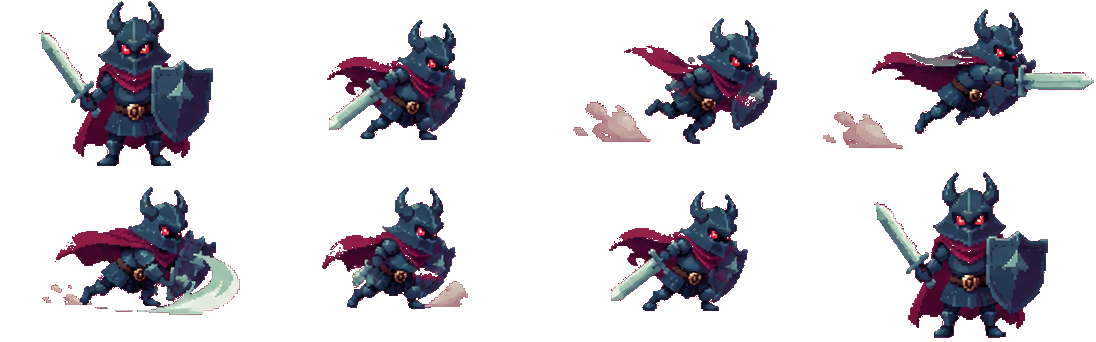
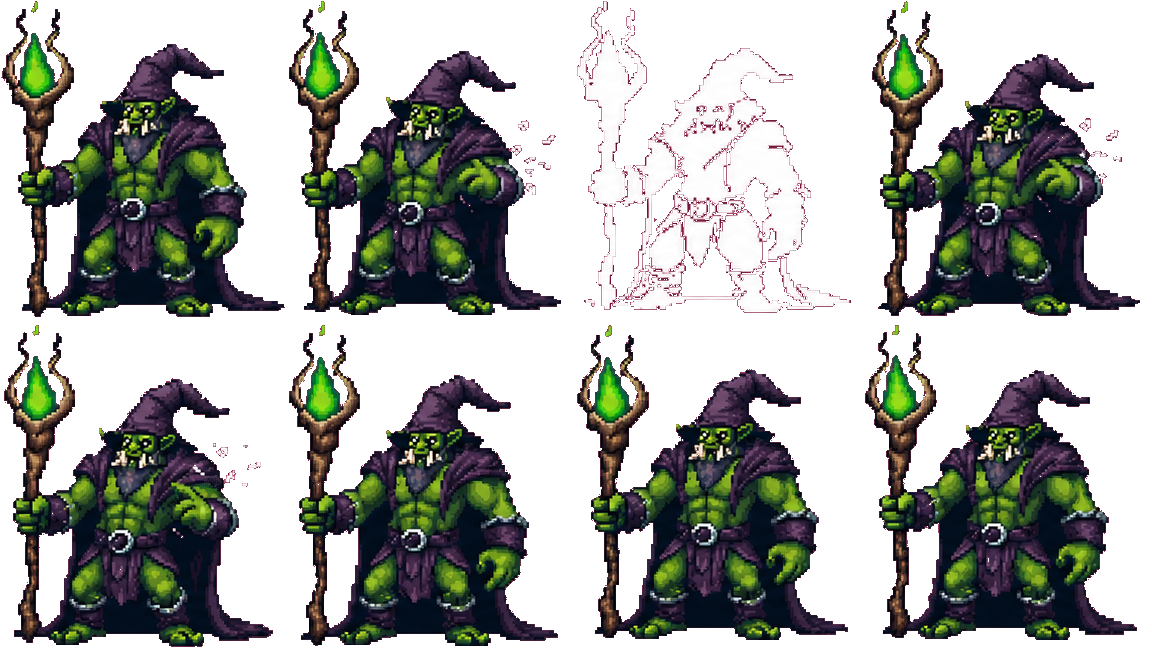
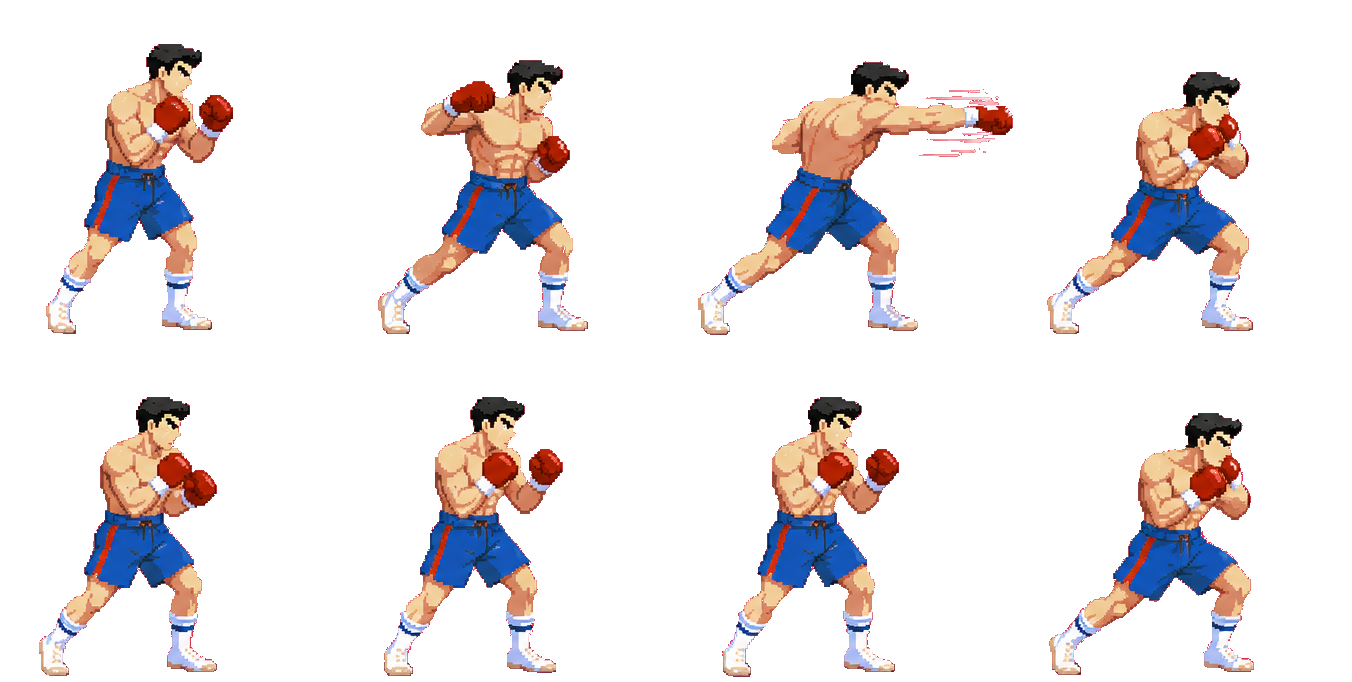
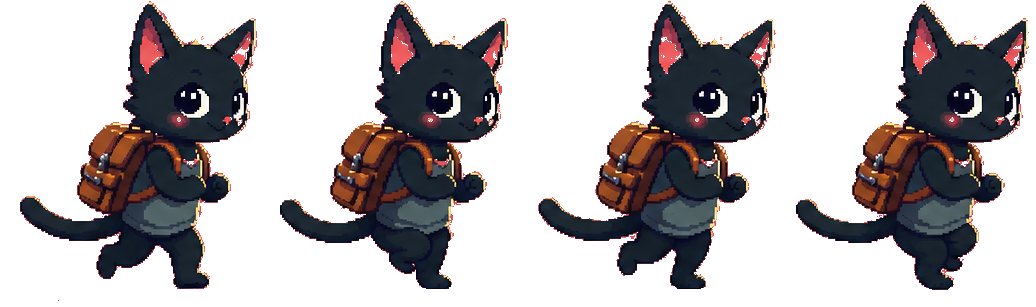
pixler.dev turns any static pixel sprite into an animated sprite sheet. Generate a character from a text prompt or upload a sprite you already have, choose one of 11 built-in animation presets — idle, walk, run, jump, crouch, attack, cast, hurt, death, float or turnaround — or write your own motion in plain words, and the model animates it for you. The result is a single-row sprite sheet of transparent PNG frames that drops straight into Godot, Unity, GameMaker or any engine that reads a sprite sheet. Each animation costs five credits from your monthly pool, so you can re-roll a take instead of rationing.
Presets or your own motion
Eleven one-click presets cover the moves games actually use — idle, walk, run, jump, crouch, attack, cast, hurt, death, float and turnaround. Need something specific? Pick Custom and describe the motion in a sentence, and the model animates that instead.
Sprite sheets, engine-ready
Every animation comes back as a single-row sprite sheet — evenly spaced transparent PNG frames you can slice on a fixed frame width. Import into Godot, Unity, GameMaker, Phaser or LÖVE, set the texture filter to nearest, and it's ready to play.
Pick your frame count
Choose from 2 to 16 frames per animation to trade smoothness against sheet size. Shorter loops for snappy retro motion, longer ones for fluid walk and attack cycles.
Animate your own sprites
Already have a character — drawn in Aseprite, bought as an asset pack or made earlier? Upload the PNG and animate it with the same presets and custom motions as a sprite generated here.
Cheap to iterate
Each animation costs five credits from the same pool as images — around 160 a month on the $8 plan and 400 on the $20 plan — so you can re-roll a take until it feels right.
Frequently asked questions
Can I animate sprites from an API or AI agent?
Yes. Create a source sprite in Pixler, then submit an animation with the REST API or MCP animate tool. Poll the job and download the PNG sprite sheet. Sign in to create a token; animations use the same allowance as the browser.
Can I animate a sprite I already have?
Yes. Upload your own pixel art sprite as a PNG and animate it with any preset or a custom motion — useful for characters you drew yourself or bought as an asset pack.
How much does an animation cost?
Five credits from your monthly pool: around 160 animations on the $8/month plan and 400 on the $20/month plan. Signed-in accounts can also try 2 animations a day without a plan.
What animations can it make?
Eleven built-in presets — idle, walk, run, jump, crouch, attack, cast, hurt, death, float and turnaround — plus a Custom option where you describe the motion in your own words. Items and pickups use the float and custom motions.
What do I get — a GIF or a sprite sheet?
A sprite sheet: a single horizontal row of transparent PNG frames at a fixed frame size, ready to import and slice in your game engine. You choose how many frames (2–16) each animation has.
How do I animate a sprite?
Generate a pixel sprite from a text prompt or upload your own, hit Animate, pick a preset or type a custom motion, choose a frame count and generate. The sprite sheet is ready to download in seconds.
Does it work with Godot, Unity and GameMaker?
Yes. The sprite sheet is a standard PNG with evenly spaced frames, so it imports into Godot's AnimatedSprite, Unity's Sprite Editor, GameMaker, Phaser, LÖVE, Construct and any engine that reads a sheet. Set the texture filter to 'nearest' to keep pixel-perfect edges.
Can I use the animations commercially?
Yes. Sprites and animations generated on pixler.dev can be used in commercial games and products without attribution, on every plan.
How is this cheaper than other sprite animators?
Credit-based animators can charge the equivalent of many generations per animation — SpriteCook around 20 credits, Spriterrific around 100. On pixler.dev an animation costs five credits from a monthly pool, so you can iterate without watching a credit balance disappear.
Ready to make some pixel art?
Sprites, items, tiles, backgrounds and animation in one place.
Open generator